
Why Can't I See All My Google Reviews?
If reviews you know were posted aren't showing up on your Google Business Profile, they weren't deleted. Google filtered them — here's why.
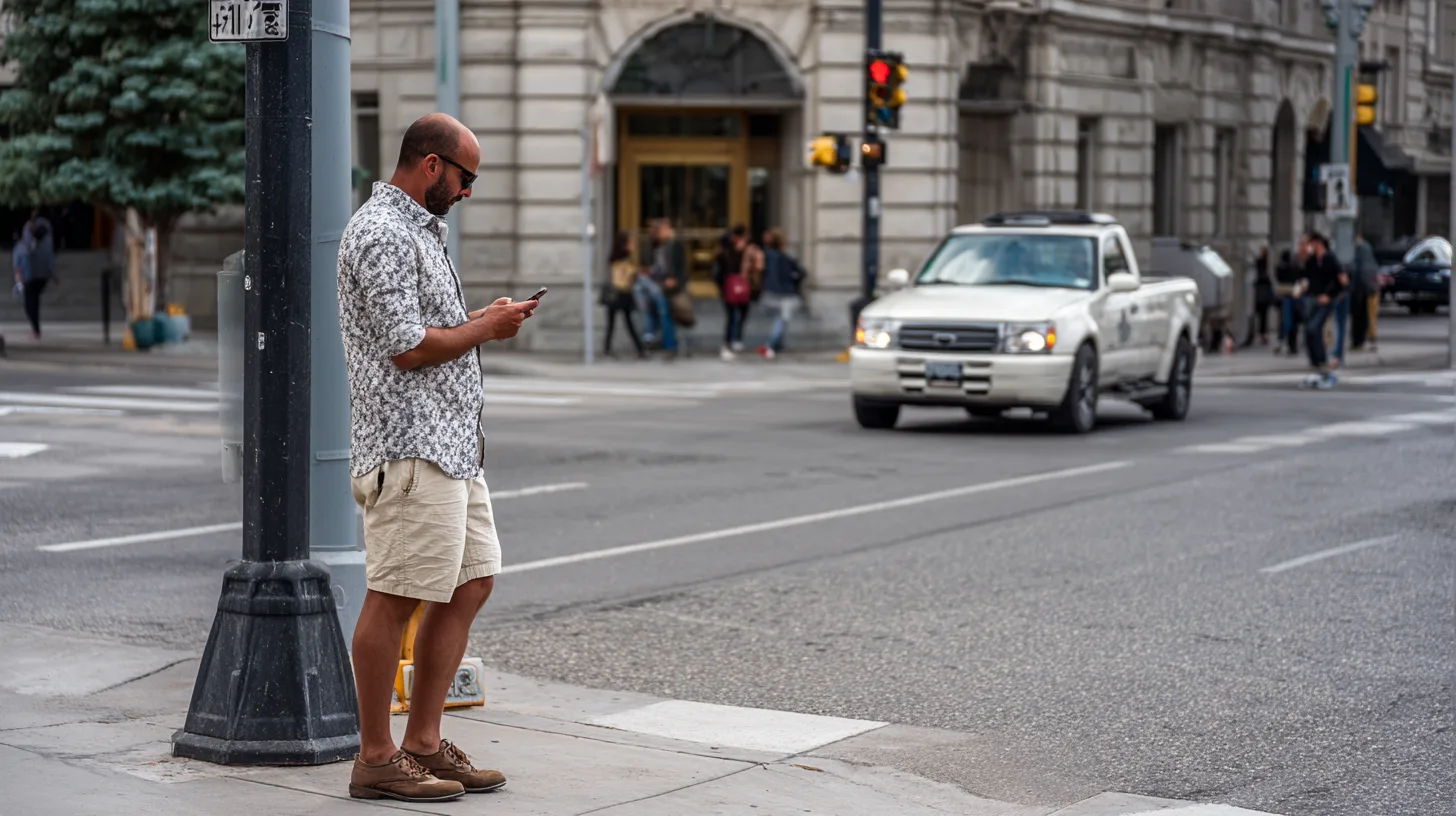
If reviews you know were posted aren't showing up on your Google Business Profile, they weren't deleted. Google filtered them.
Google runs every review through an automated trust system before it appears publicly. When something looks off, the review is held back silently. No notification to the business. No notification to the reviewer. The review just doesn't appear.
Here are the most common reasons your Google reviews aren't showing up — and what to do about it.
7 Reasons Your Google Reviews Aren't Showing Up
1. The Reviewer Used the Same Network as the Business
If a customer leaves a review while connected to the business's Wi-Fi, Google may treat it as a self-review. The same applies to any device that has been signed into the Google Business Profile.
2. The Reviewer's Account Looks Thin
New Google accounts with no profile photo, no name, and no prior reviews get filtered more often. Google trusts established reviewers more than first-time ones.
3. The Review Contained a Link or Phone Number
URLs, phone numbers, and email addresses inside review text trigger the filter almost every time. Google reads them as promotional content.
4. The Language Sounded Like Marketing
Reviews packed with keywords, service lists, or location names get filtered. Real customers don't write like SEO copy. If a review reads as if it were written for ranking instead of for other customers, the filter catches it.
5. The Reviewer Was on a VPN
If the reviewer's location doesn't match where they actually are, or matches a known VPN exit, the review gets held back.
6. Reviews Came In Too Fast
A burst of reviews in a short window looks unnatural. A profile that gets five reviews in a day after going months with none will see most of them filtered.
7. The Reviewer's History Looks Suspicious
If the same account has left reviews for unrelated businesses across the country in a short period, Google treats those reviews as low trust everywhere — including yours.
What to Do When a Google Review Is Missing
- Wait 24 to 72 hours — Google runs a second pass, and some filtered reviews resurface on their own
- Ask the reviewer to edit it — changing a word or fixing a typo sends the review back through evaluation and it sometimes clears the second time
- Check the network — if the review was posted on Wi-Fi shared with the business, that's likely the cause
- Move on — there is no support path for restoring a filtered review; time spent fighting one is better spent earning the next
Signs the Problem Is Bigger Than One Review
If you keep asking why you can't see all your Google reviews, the issue usually isn't any single review. Watch for these patterns:
- Multiple reviews disappearing across weeks or months
- Reviews from real customers vanishing while older reviews stay put
- A review request process that funnels everyone through one channel or one device
- A profile that was previously flagged for spam or suspended
Any of these point to a pattern the filter is responding to. The fix is rarely about the missing review. It's about how reviews are being earned.
Takeaway
Google filters reviews to protect the system from manipulation. The filter is automated, blunt, and silent. Legitimate reviews get caught in it.
The businesses with strong review profiles aren't the ones who fight the filter. They're the ones who make it easy for real customers to share a real experience — from their own devices, in their own words.
That's what builds a profile the filter trusts, and a profile that keeps every review it earns.
Related guides
Talloo Services
See how Talloo helps local businesses get found.
Get Started
Ready to grow your local visibility?
Get a free assessment of your current digital presence and a custom plan to improve it.